USB Map Updates
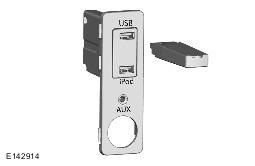
All Gen 2.1 equipped vehicles are supplied with a USB map updates, these updates can be carried out by the customer.
The following process should be used to update the map data:
- Navigate to the touch screen Home Menu screen.
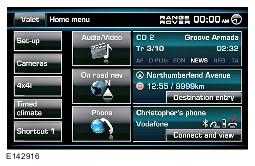
- Insert the USB memory stick containing the map data into the vehicle USB port.
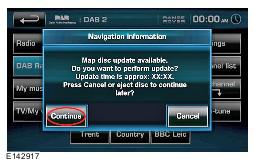
- Press Continue on the touch screen to proceed with the installation of the map update.
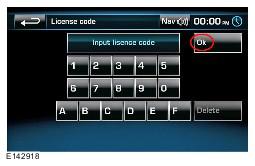
- using the touch screen enter the licence code and press OK to proceed.
- The map update will begin and a message will be displayed in the touch screen display advising that navigation is unavailable.
NOTE:
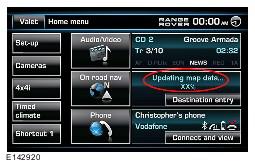
Selecting 'Cancel' returns to the 'Home Menu' screen, the map update will continue to run in the background
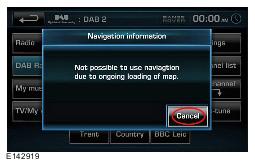
- Map update progress can be viewed as a percentage of the completed download in the Home Menu screen.
- When the update is complete a message is displayed informing the user.
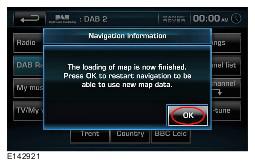
- The navigation will restart upon completion of the map update.
NOTE:
Remove USB Stick immediately
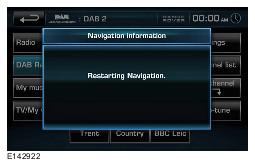
- Exit, lock the vehicle and leave for at 15 minutes before using the navigation system.