Touch Screen Displays
Low/mid line display
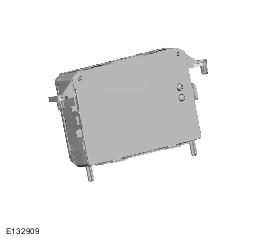
High line display
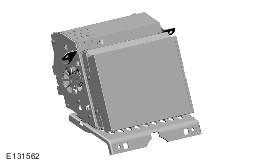
The Touch Screen Display (TSD) is located in the center of the instrument panel and is the driver control interface for the infotainment system. The TSD is connected to the MOST ring and communicates with the other components in the audio/infotainment system.
The TSD also provides driver display and control of the audio system, telephone, the rear view camera, proximity cameras, the Traffic Message Channel (TMC) and the navigation system.
The RSE and other systems are operated by 'virtual' buttons displayed on the touch screen.
Care should be taken with the TSD to ensure its correct operation
- The screen should be cleaned with a lightly, water moistened cloth. Do not use chemical agents or domestic products to clean the screen or any part of the surround.
- Only use your finger to operate the touch screen. Ensure you only use one finger to avoid incorrect entries.
- A short light press of the touch screen is sufficient. Excessive pressure can damage the screen.